
Working from home usually starts with good intentions, then turns into a sore back, messy cables and a workday that never quite ends. The easiest way to fix it isn't buying everything at once. It's spotting the setup problems that make each day harder, then spending only where it changes tomorrow morning.
Pick a work spot that can disappear in under a minute
The first thing to remember is that a work area needs a boundary, even if you don't have a separate office. If you're using the end of a dining table or a spare corner of the living room, decide what stays there during the day and how it gets cleared at night.
A simple pack-away system works better than a vague plan to "tidy up later". Keep daily essentials in one tray, magazine file or lidded box so you can reset the space quickly when work finishes. That small routine makes it easier to stop checking emails after hours because the visual cue has gone.
One measurement people often miss is the space behind the chair, not just the desk itself. Sit down, push the chair back, stand up and take one step backwards. If you hit a bed, radiator or sofa, the setup will feel cramped every day. It's a small test, but it tells you more than the room dimensions on paper.
If you're starting with a completely blank corner, our guide to setting up a productive space for less can help you plan the basics before you buy.

Buy the item that removes the biggest daily irritation
Not every home-working problem needs a full office refit. Start with the point of friction you notice most. If you keep running out of surface space, look at desk depth before desk width. A deeper desk gives your screen, notebook and mug room to coexist without forcing you to hunch. If your lower back is the issue, the chair matters more than whatever sits on top of the desk.
If you're at the furniture stage, Home Furniture Land is relevant because it already lists office desks rather than only general furniture. At the time of writing, there are oak office desks from £339 on its store page. If you're not ready to buy yet, its newsletter is the more useful tactic: sign up, leave the item alone for a few days, then see if the desk still solves the problem you actually have.
Keep furniture and tech decisions separate. A desk can be right while the screen height is still wrong. For electronics and tech accessories, Currys Get Code is the more natural stop. Its store page may also list a discount code, and its newsletter is a practical way to catch short-term deals before replacing something expensive too quickly.
Change the room before you blame your concentration
A lot of people think they're bad at focusing when the real problem is the room. Light, glare and echo can make a normal workday feel much harder than it needs to be.
The easiest fix is to put daylight to the side of your screen rather than directly behind it or behind you. Side light is usually easier on the eyes and works better on video calls. If moving the desk isn't possible, rotate the screen first. A small angle change can remove glare without changing the whole room.
Sound matters too. Bare floors and empty walls make calls feel tiring because the room throws your own voice back at you. Before you buy anything specialised, add softer surfaces where you can: a rug, curtains, a fabric noticeboard or fuller shelves can all take the edge off a hollow room.
Another low-cost fix is to stop rebuilding your camera angle every morning. Once you find a webcam or laptop position that works, keep it repeatable. Constantly balancing devices on different piles of books is one of those tiny hassles that chips away at the day.
Plan sockets, storage and DIY jobs before you move furniture
Don't choose the desk position first and figure out power later. Walk the room, note every plug socket, then place the workspace around that map. Leaving one charging point free is more useful than it sounds; it stops phones, visitors and spare devices disrupting the whole setup.
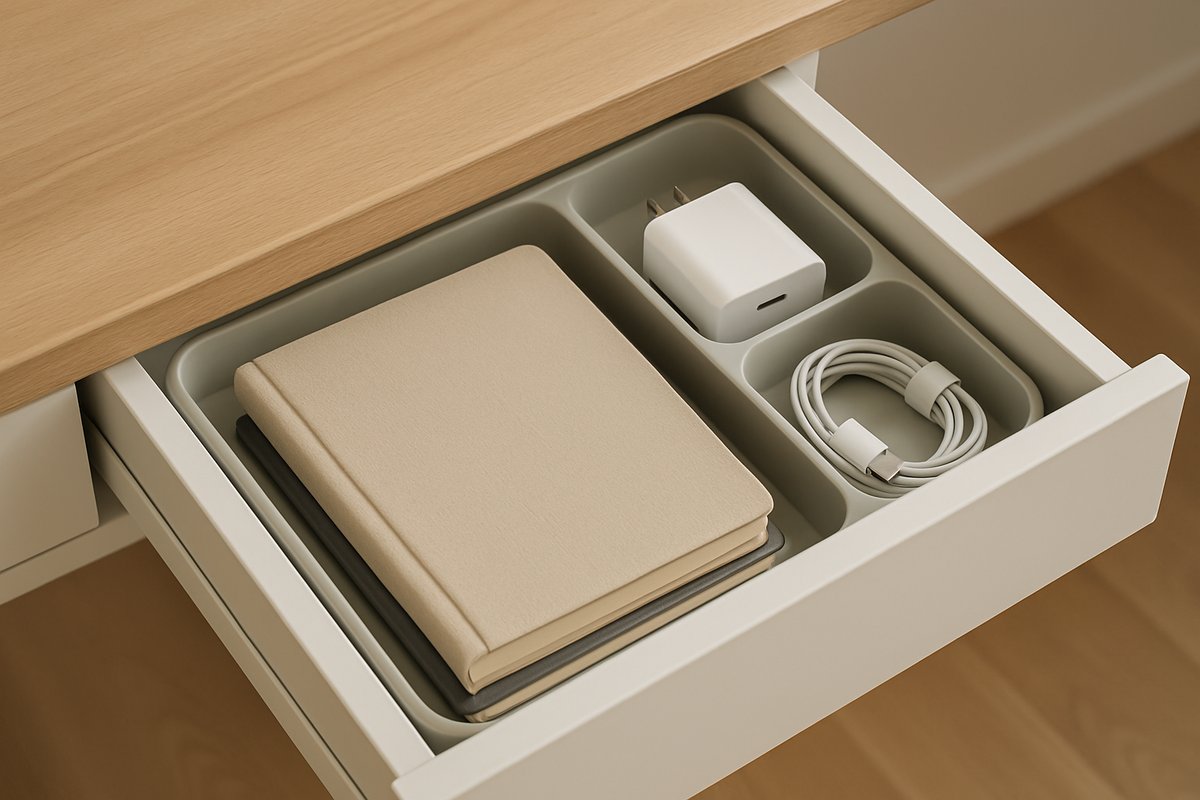
Store by frequency of use, not by category. Keep paperwork and notebooks upright where you can reach them. Put spare chargers, adapters and less-used cables together in one labelled box instead of scattering them across drawers. The aim is a setup that's boring in the best way: everything easy to find, nothing needing a daily search.
If the room itself needs practical DIY fixes, Wickes is the more relevant stop than a furniture shop. Its saving tips mention bundle deals, which can help when you need several project items at once rather than one small purchase. At the time of writing, it also has free delivery on orders over £75 on its store page.
Awkward alcoves and shared rooms can also make standard-size furniture a poor fit. That's where Nabru earns its place here: it focuses on custom-made furniture, so it's useful when size matters as much as style. At the time of writing, its store page also shows free delivery.
The best next step is usually one small upgrade, not a complete overhaul: measure the chair space, check the light angle, map the sockets, then buy the item that fixes the biggest annoyance first. If you're comparing desk, tech and room-update deals, start with the Remote Working page to narrow the options to the most relevant ones.